
My Candy Business Guides Hub
Walkthroughs for scooping, packing, helpers, upgrades, and growing your sweet empire.
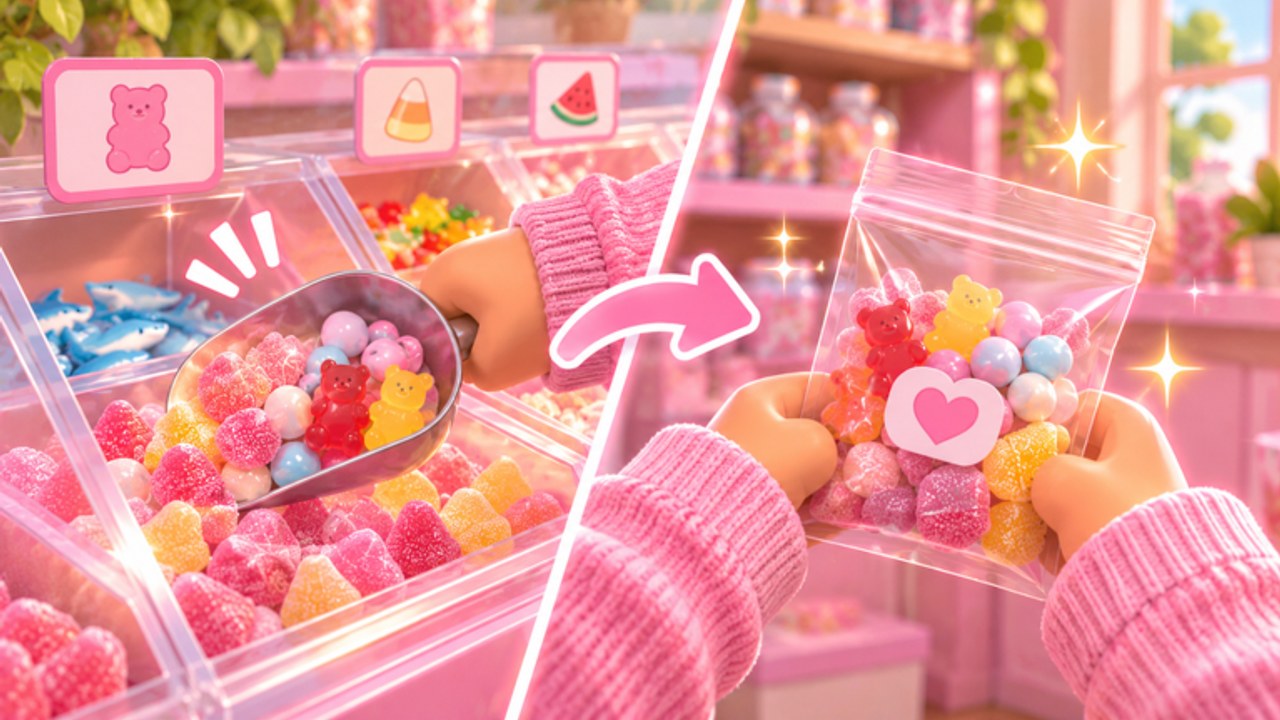
Welcome to the Guides Hub for My Candy Business, the Roblox simulation and tycoon from best tycoons studio. This page is the map for every how-to on the wiki: how you print orders, scoop candy into bags, fill candy wheels slice by slice, pack boxes with goodies, tape, and labels, then post them out for tips. Use these guides whether you just opened your bedroom shop or you are unlocking the Content Studio, Candy Factory, and Warehouse.
Start with the beginner path if this is your first session. Jump to packing or money guides if you already know the loop but want cleaner orders and faster cash. Cross-link between sibling pages so you can build a full plan—helpers for offline earnings, upgrades for capacity, and social boosts from friends in your server.
Recommended reading order
- Getting Started — first session walkthrough, core loop, daily gifts, and what to unlock next.
- How to Pack Orders — scooping, candy wheels, boxing, tape, labels, and tip quality.
- Make Money Fast — VIP customers, Surprise Scoop, golden sweets, friend order boosts, and tip focus.
- Helpers Guide — hiring baggers, packers, and shippers who keep working while you are away.
- Upgrades and Rooms — Content Studio, Candy Factory, Warehouse, logos, colours, bags, and decoration.
What these guides cover
My Candy Business is an online candy shop fantasy: turn a bedroom into a shipping empire. Orders print as they arrive. You scoop candy into bags, fill candy wheels one slice at a time, pack each box with goodies, seal it with tape, stick the label, and post it off. Tips rise when the work is clean and timely. Helpers automate bagging, packing, and shipping so progress continues offline. Larger rooms expand what you can produce and how you present the brand—logo, colours, bags, and décor included.
Special moments keep the loop fresh: golden sweets, gift wraps, rush orders, VIP customers, and the Surprise Scoop chance at a gold gumball. Friends sharing your server boost order flow, so visiting shops and leaving hearts is part of efficient play—not just a social flourish. Daily gifts, goals, and trophies reward consistent sessions.
How to use this hub
- New players: finish Getting Started, then practice packing on How to Pack Orders.
- Cash-focused players: open Make Money Fast and pair it with Helpers Guide so offline income covers gaps between sessions.
- Expansion players: plan spends with Upgrades and Rooms before you decorate for looks alone.
- After patches: check the Updates Hub for changelog notes, then return here if a mechanic shifts.
- Codes and scripts: see the Codes Hub and Scripts Hub—we document honestly when no public codes or listed scripts exist yet.
Tips that apply across every guide
Keep the production chain moving. An empty candy wheel or an unlabeled box stalls tips. Hire helpers once you can afford them so you are not the only person scooping and sealing. Play with friends when you can—the server boost on orders stacks with solid packing. Claim daily gifts and chase goals for steady extras. Design logos and bags when you have spare cash, but prioritize capacity upgrades that shorten the path from printed order to posted parcel.
This hub stays focused on practical walkthroughs. Each child guide aims for depth without filler: clear steps, when to spend, what to avoid, and links to the next page you need. Bookmark the Guides Hub, then drill into the topic that matches your current bottleneck—packing speed, cash rate, helper coverage, or room unlocks.
When you are ready to play, open the Roblox place for My Candy Business, print your first orders, and follow the beginner guide until packing feels automatic. Come back here whenever a new room unlocks or you want a faster money route.
Frequently Asked Questions
Quick answers to the most common questions.
Where should a brand-new My Candy Business player start?
Begin with the Getting Started guide, then practice the full packing loop on How to Pack Orders.
Do these guides include promo codes or scripts?
No. Codes live on the Codes Hub and script safety notes on the Scripts Hub. Guides focus on gameplay systems.
What is the core loop in My Candy Business?
Print orders, scoop candy into bags, fill candy wheels slice by slice, pack boxes with goodies, tape, and labels, then post parcels for tips—while helpers and room upgrades scale the shop.
How often should I reread the Guides Hub?
After major updates or when you unlock Content Studio, Candy Factory, or Warehouse. Also skim Updates when the studio ships new systems.